Editorial tools & AI
Jarvis: a better place to write
El Confidencial builds and maintains its own CMS, used every day by more than 200 journalists, columnists and freelancers. After 15 years on the legacy system, product, engineering and design rebuilt it from scratch. I led design: a faster writing experience, AI tools built into the editor rather than bolted on, and a rollout that didn't break a newsroom that publishes around the clock.
0%
Of news articles now written in Jarvis
July 2026. Live blogs are at 100%. The breaking-news desk moved last, by design.
0+
Journalists, columnists and freelancers
Rolled out from a pilot group, then section by section, starting with Culture and Vanitatis.
0%
Argos spelling precision
Last prompt test before rollout: 127 corrections across 71 articles. It now runs on every piece before publication.
Project objectives
Four groups needed different things from the same tool. These are the objectives we agreed with each of them.
Editorial
- Provide a smooth, modern writing tool
- Reduce friction and time spent on tedious tasks (linking, tagging, inserting media)
- Create a tool writers want to work inside from start to finish
- Standardize and centralize use of AI tools
Business
- Increase quality of articles published (fewer grammatical errors, more relevant linked articles, more videos)
- Increase quantity of articles published by reducing time to publication
- Improve SEO performance of articles published
Product
- Enable new AI-powered editorial tools
- Improve publishing efficiency
- Modernize the tech stack
- Enhance security
- Increase adoption and satisfaction among journalists
Previous CMS
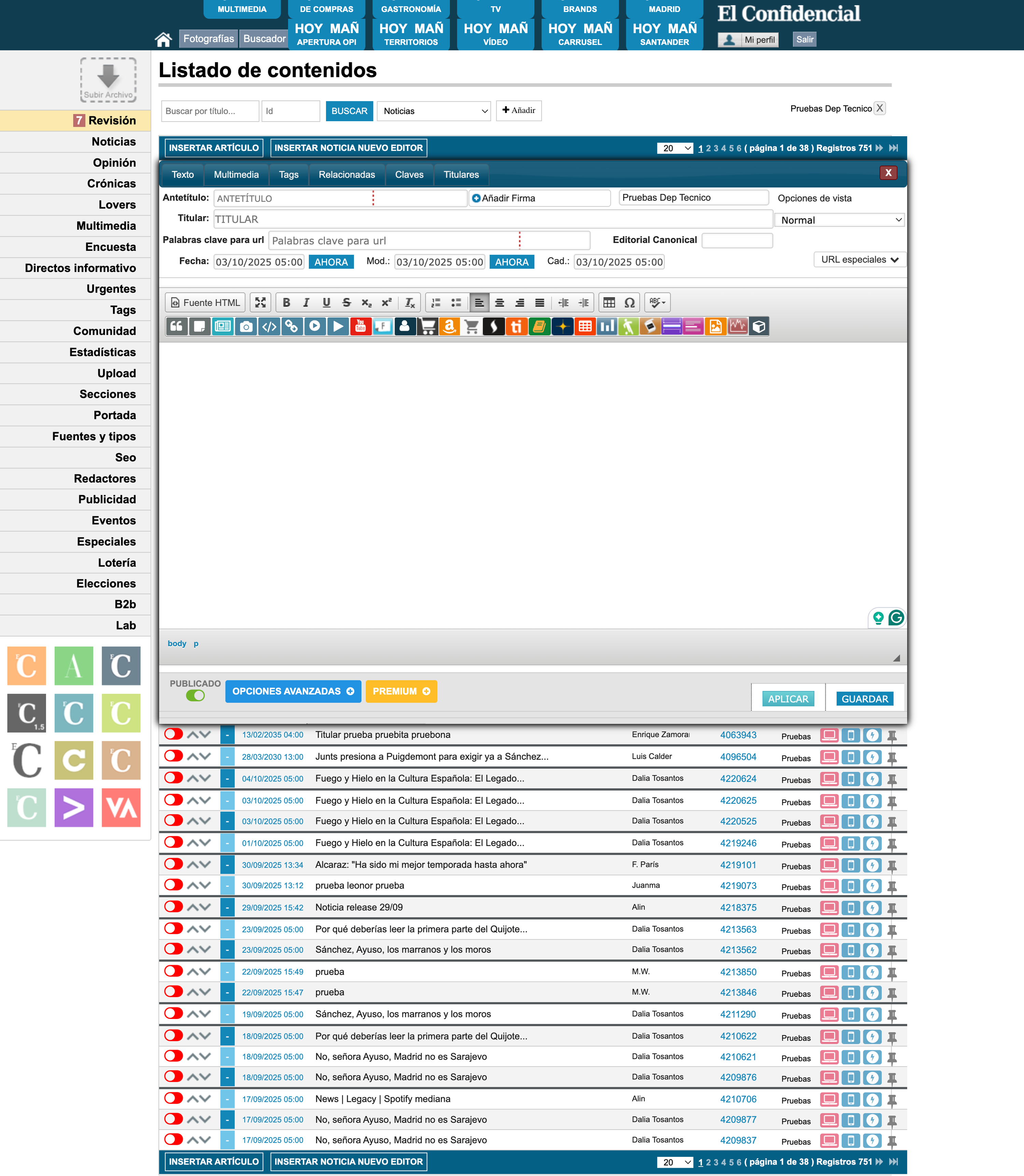
The previous CMS had numerous UX issues, from an outdated visual layout, to confusing, icon only buttons, to a small, unusable text editor.
Research Process
Benchmarking
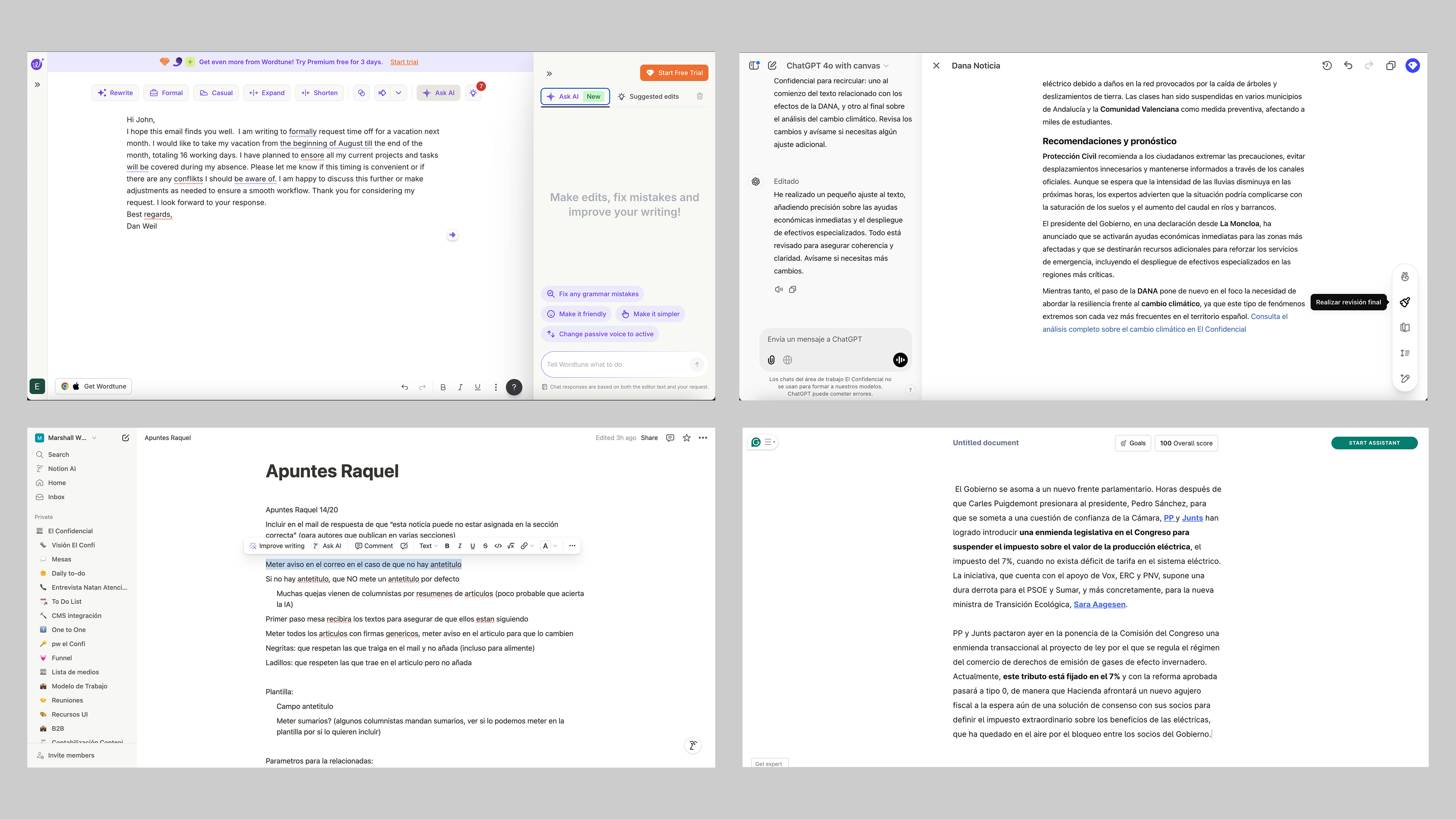
Benchmark board: Notion, ArcXP, WordPress, Medium and Substack, annotated for flows, interactions and AI features.
User Story Mapping
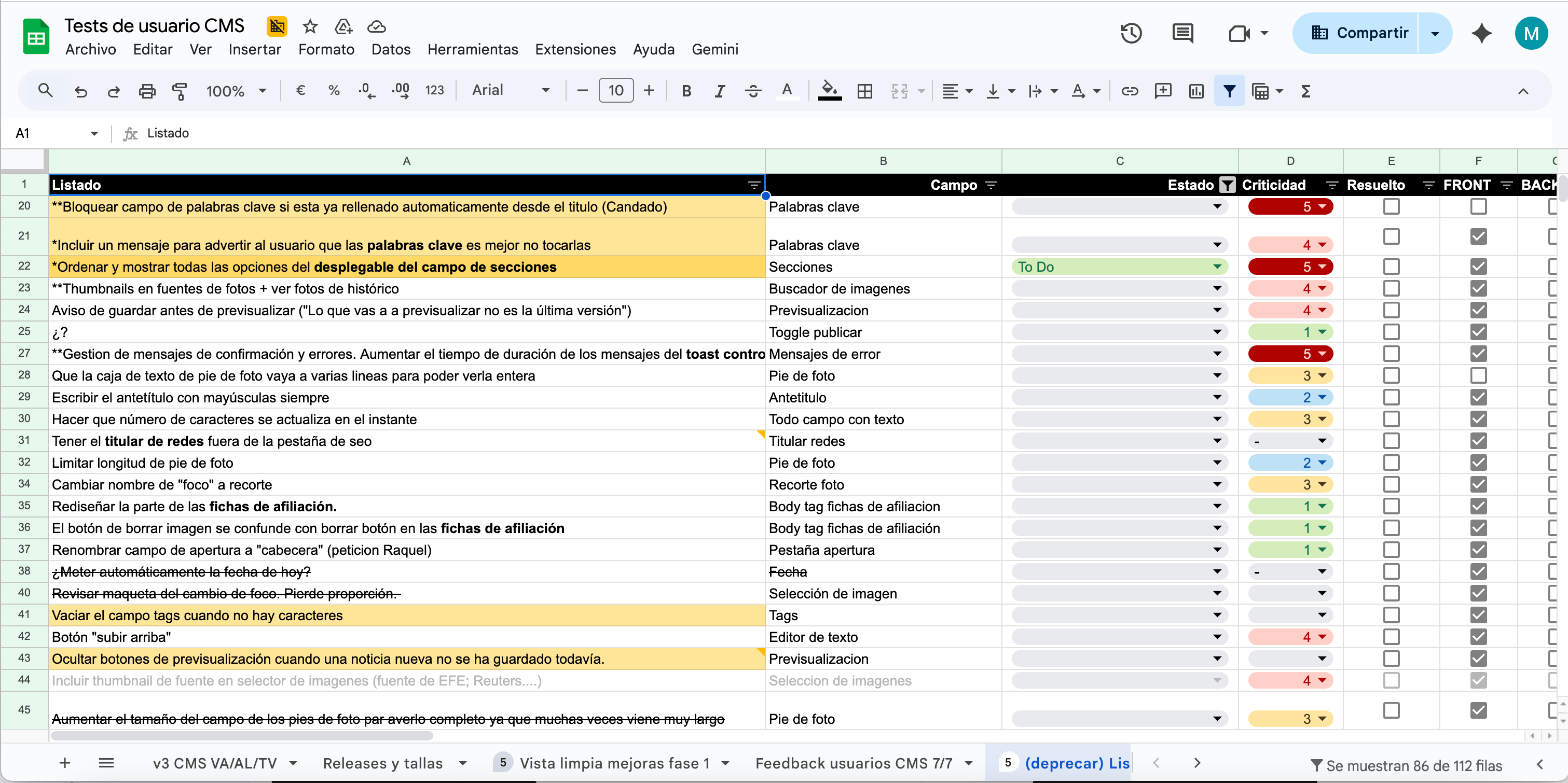
User story map used to slice the feature backlog into quarterly releases.
User interviews and testing
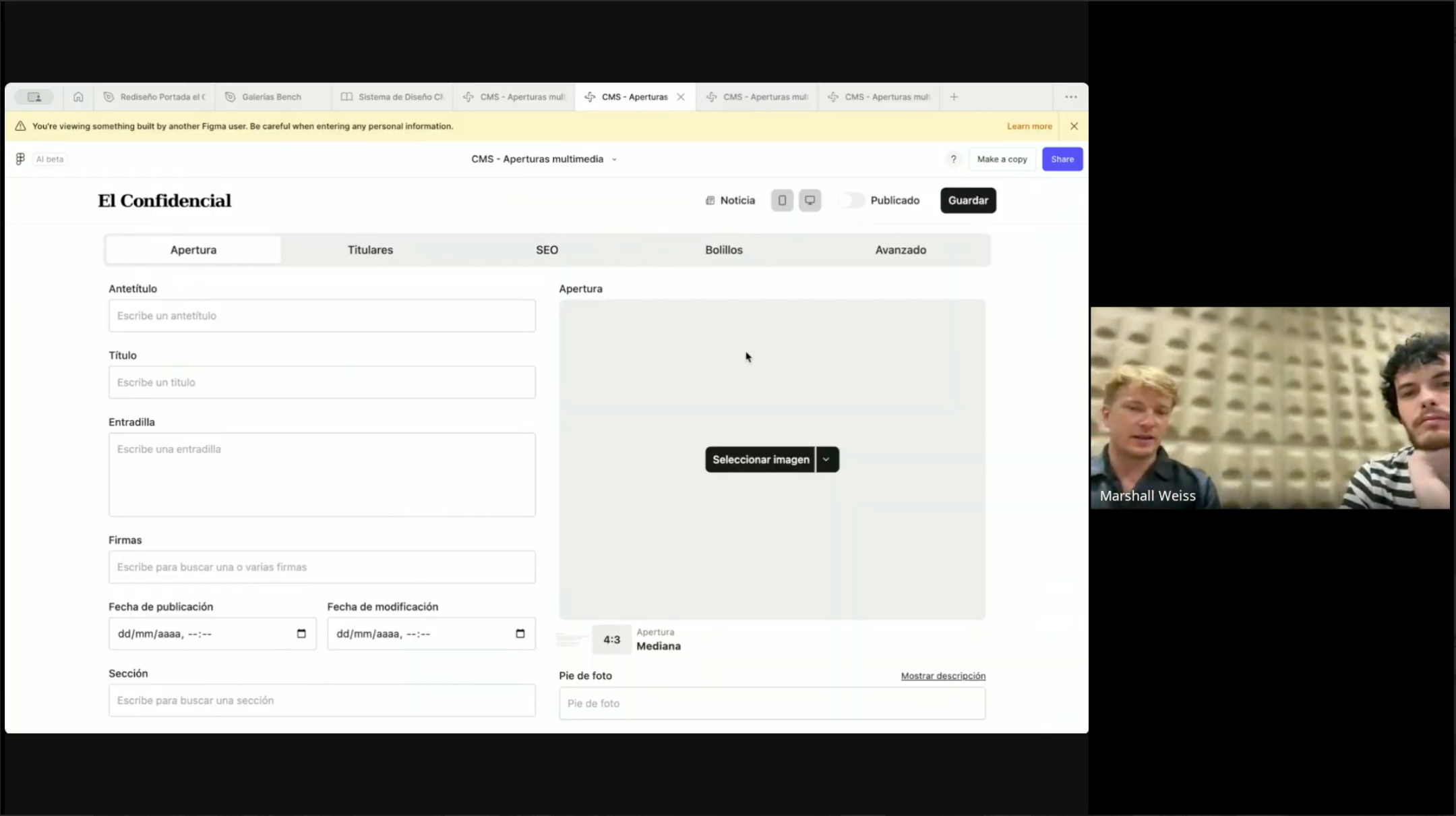
Moderated test sessions with journalists from across the newsroom, recorded and logged against the feature backlog.
Insights
Need for a clean, modern text editor
The legacy text editor was too small, lacked autosave, and couldn't display images inline. Many journalists wrote in Google Docs or Word and pasted text in, forcing tedious reformatting.
Enthusiasm for automation of tedious tasks
Inserting images, quotes and related articles was slow and manual. Journalists wanted those steps automated, and AI suggestions were the obvious place to start.
Inconsistent AI workflows among writers
Journalists used AI inconsistently across a range of external tools. The new CMS aimed to centralize AI workflows, positioning the platform as the primary hub for company-wide AI tools.
Performance issues and instability caused lost work and frustration
Frequent system instability led to lost work and widespread frustration. Improving reliability and performance was an essential priority alongside the UX redesign.
Multimedia workflow friction was a productivity killer
Uploading and embedding multimedia was slow and unintuitive, creating friction as the organization pushed to expand video-driven storytelling.
Workflow Continuity vs. UX Evolution
We kept familiar interaction patterns where they worked, so the learning curve stayed short and adoption smoother.
Speed is non-negotiable for breaking news
The last-minute desk's zero tolerance for friction directly shaped the rollout strategy. Any disruption to their workflow risked missing breaking stories, making them the last team to adopt rather than the first.
Proximity to users is a rare advantage
Having journalists in the same building enabled informal, continuous feedback that most product teams never get. Problems surfaced quickly and fixes could be validated just as fast.
Workarounds were symptoms, not preferences
Writers weren't avoiding the CMS by choice. The old editor made in-editor writing genuinely painful, and the real design goal was making the native experience good enough that external tools became unnecessary.
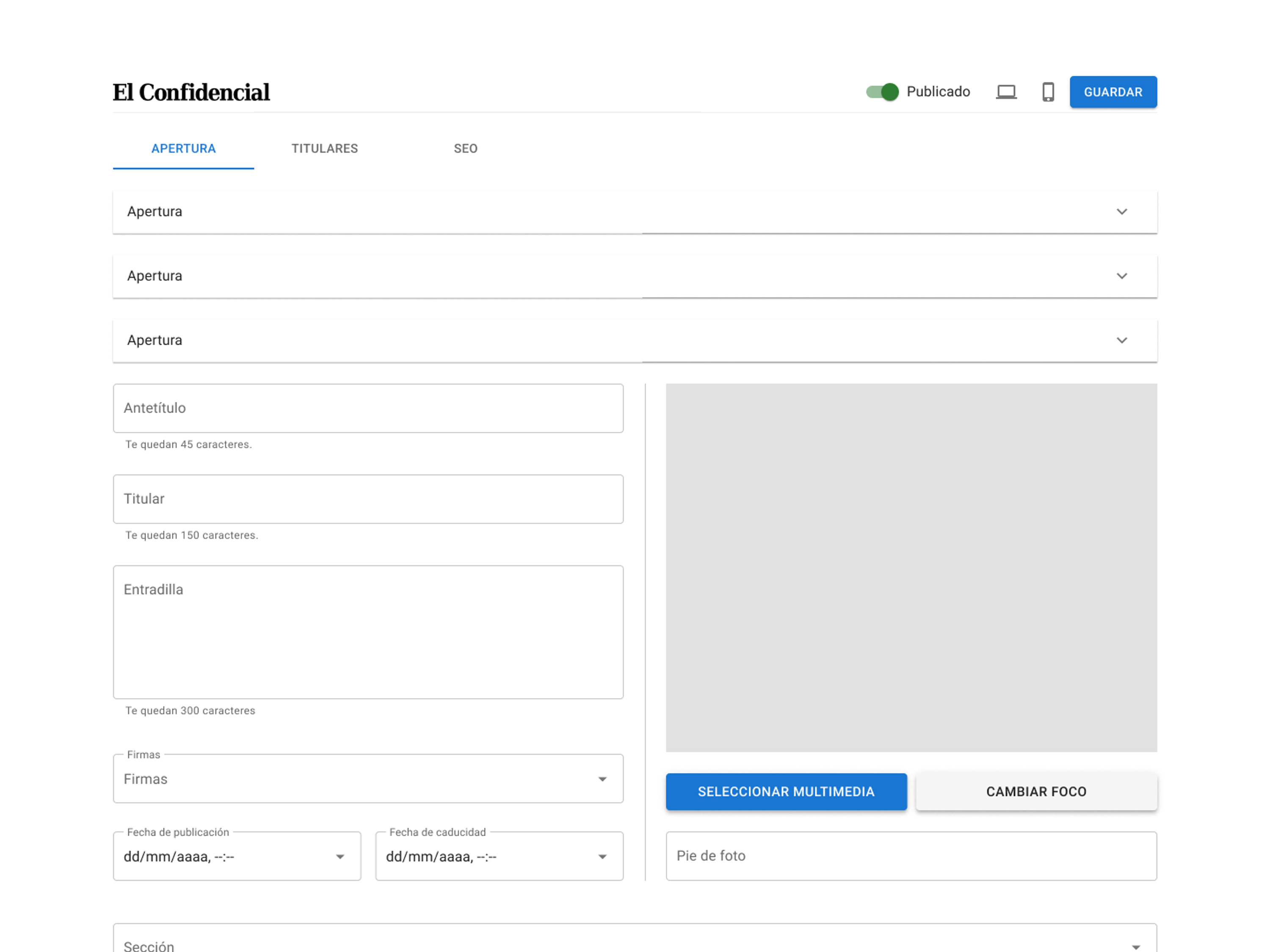
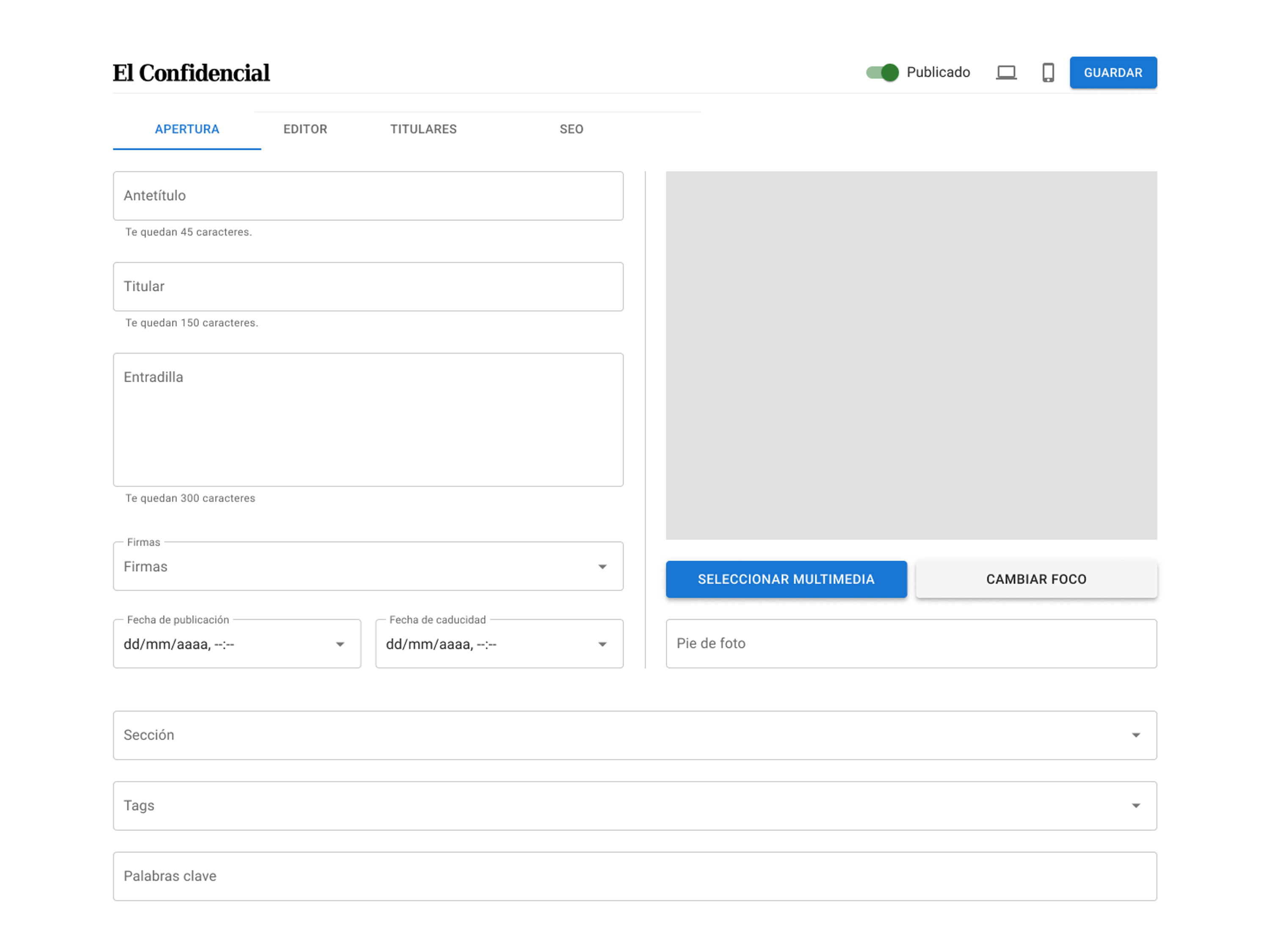
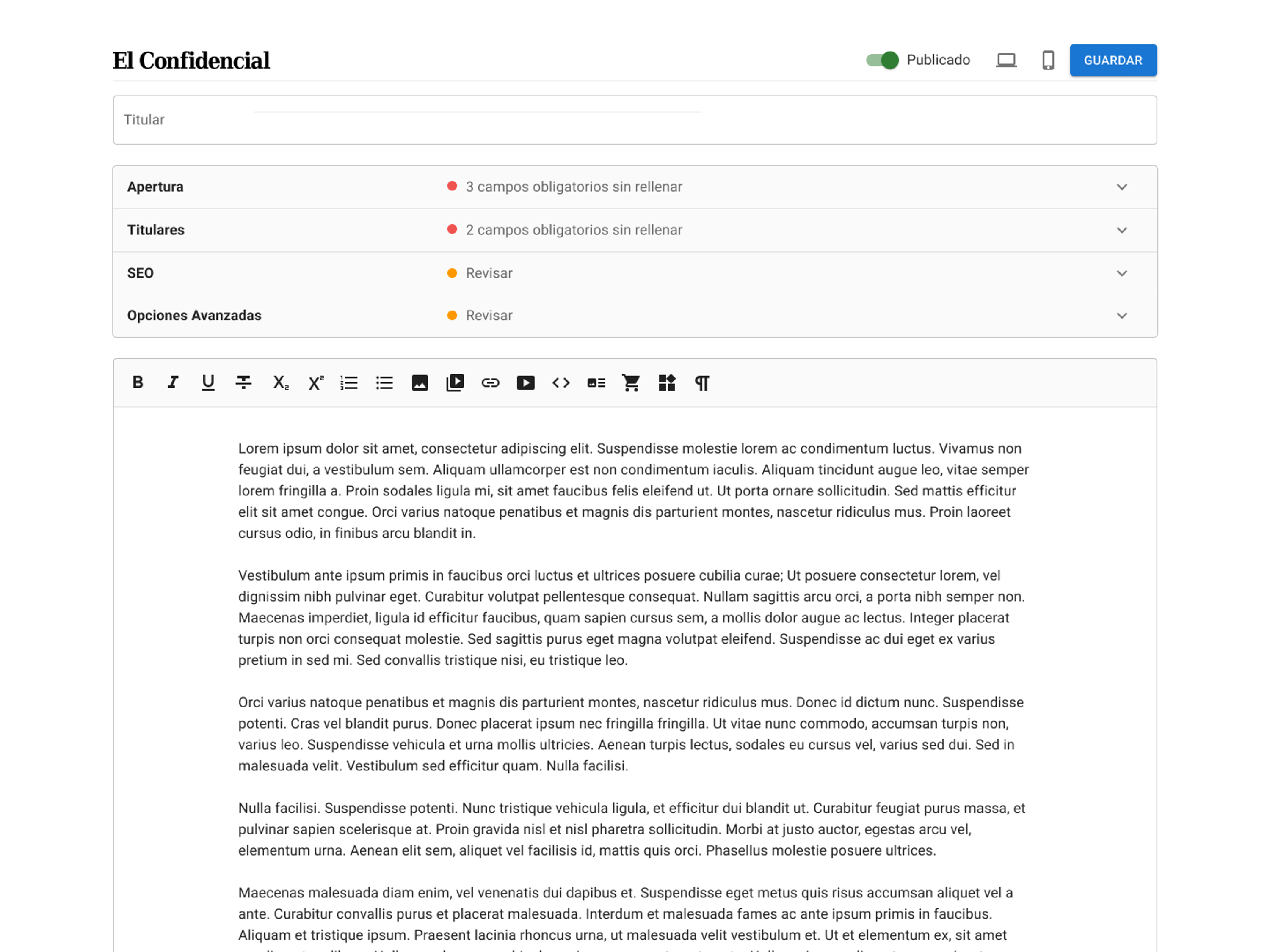
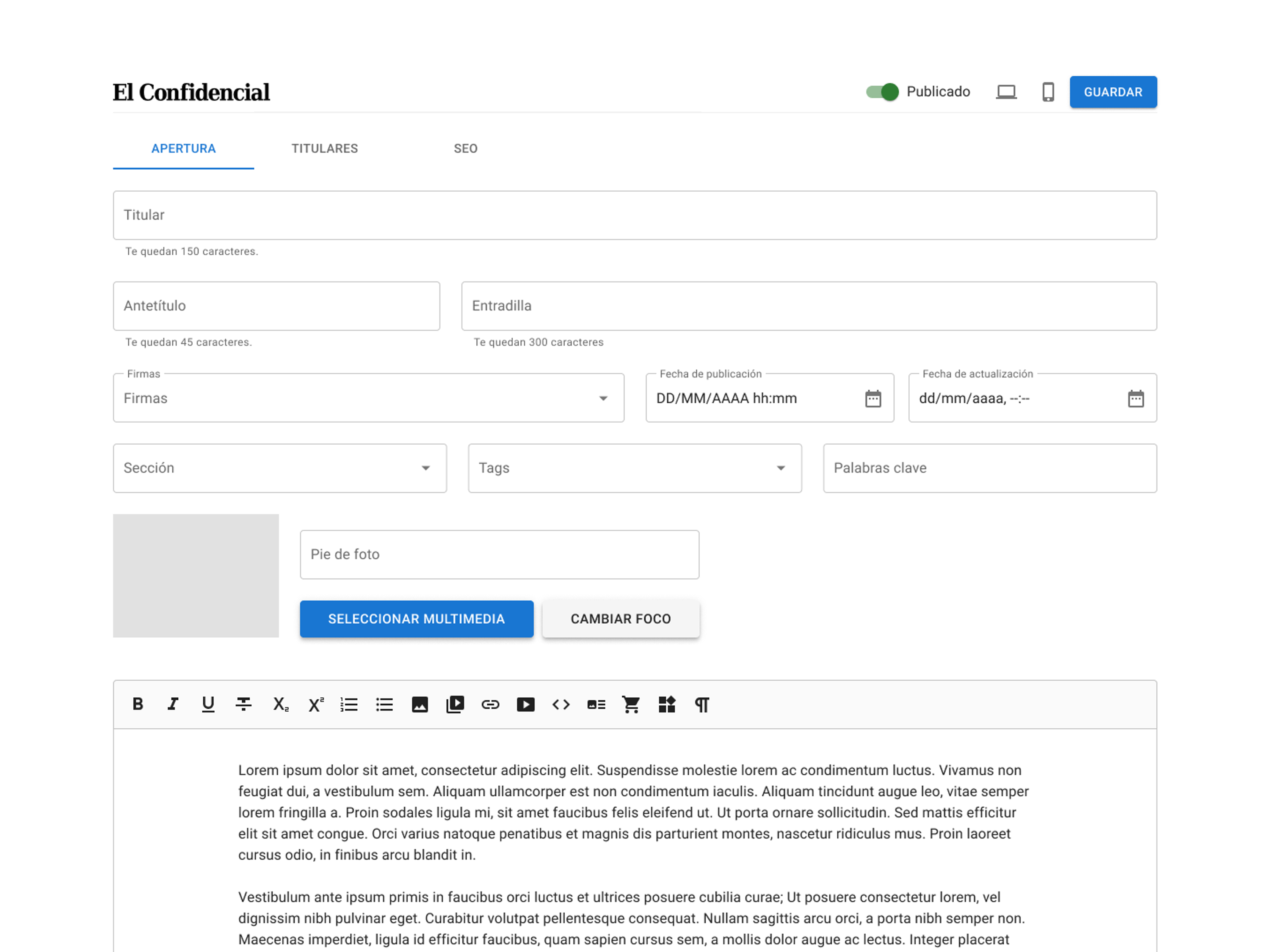
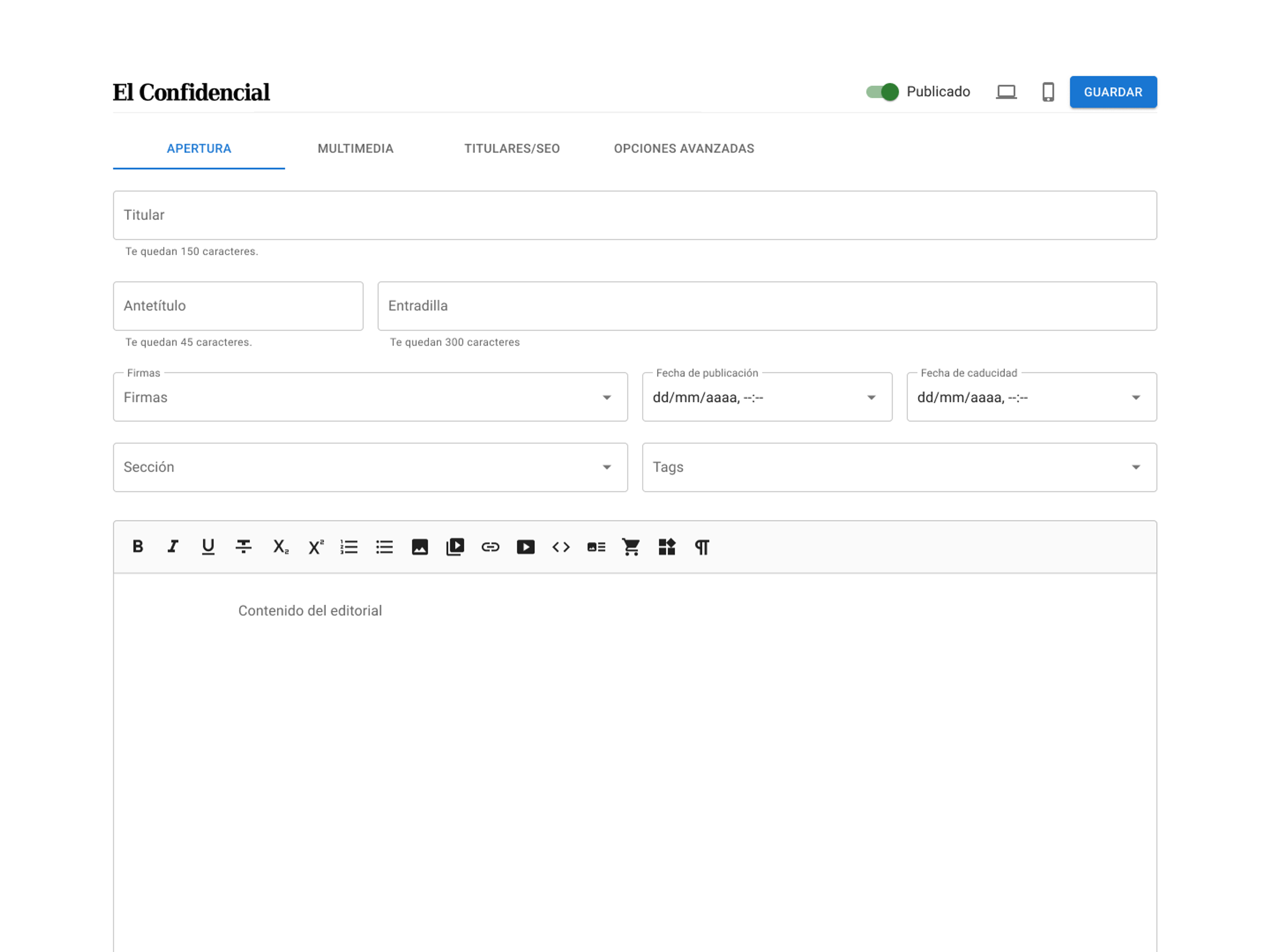
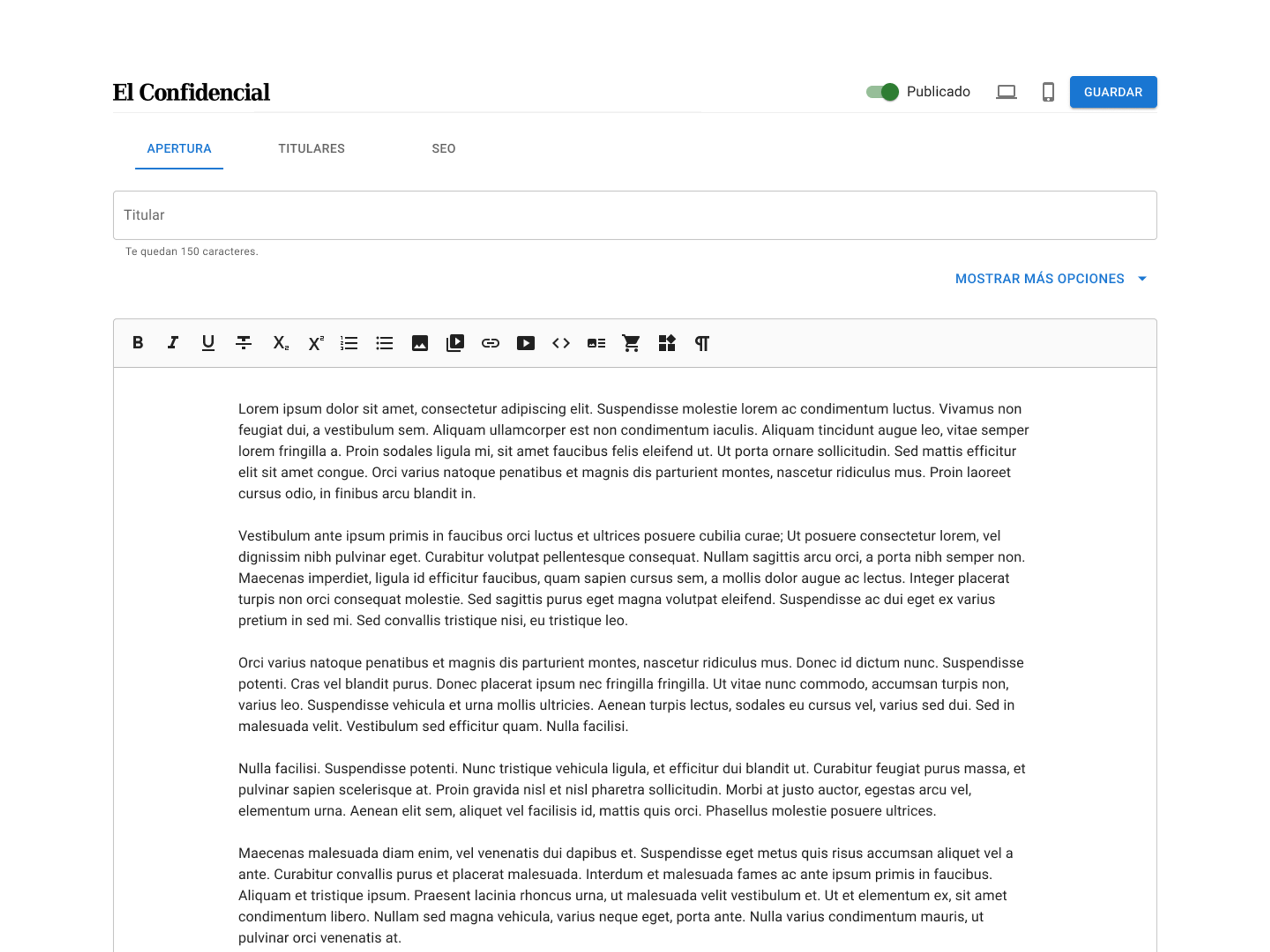
Early sketches and wireframes
Early designs prioritized replicating the existing CMS fields to evaluate whether their distribution and hierarchy were effective. One of the main challenges was fitting the fields and multimedia selection intuitively within the available screen space, balancing clarity with functionality.
Final Design
The editor pairs shadcn styling with a WYSIWYG layout that mirrors the published article, and AI features sit inside the writing flow from draft to publication.
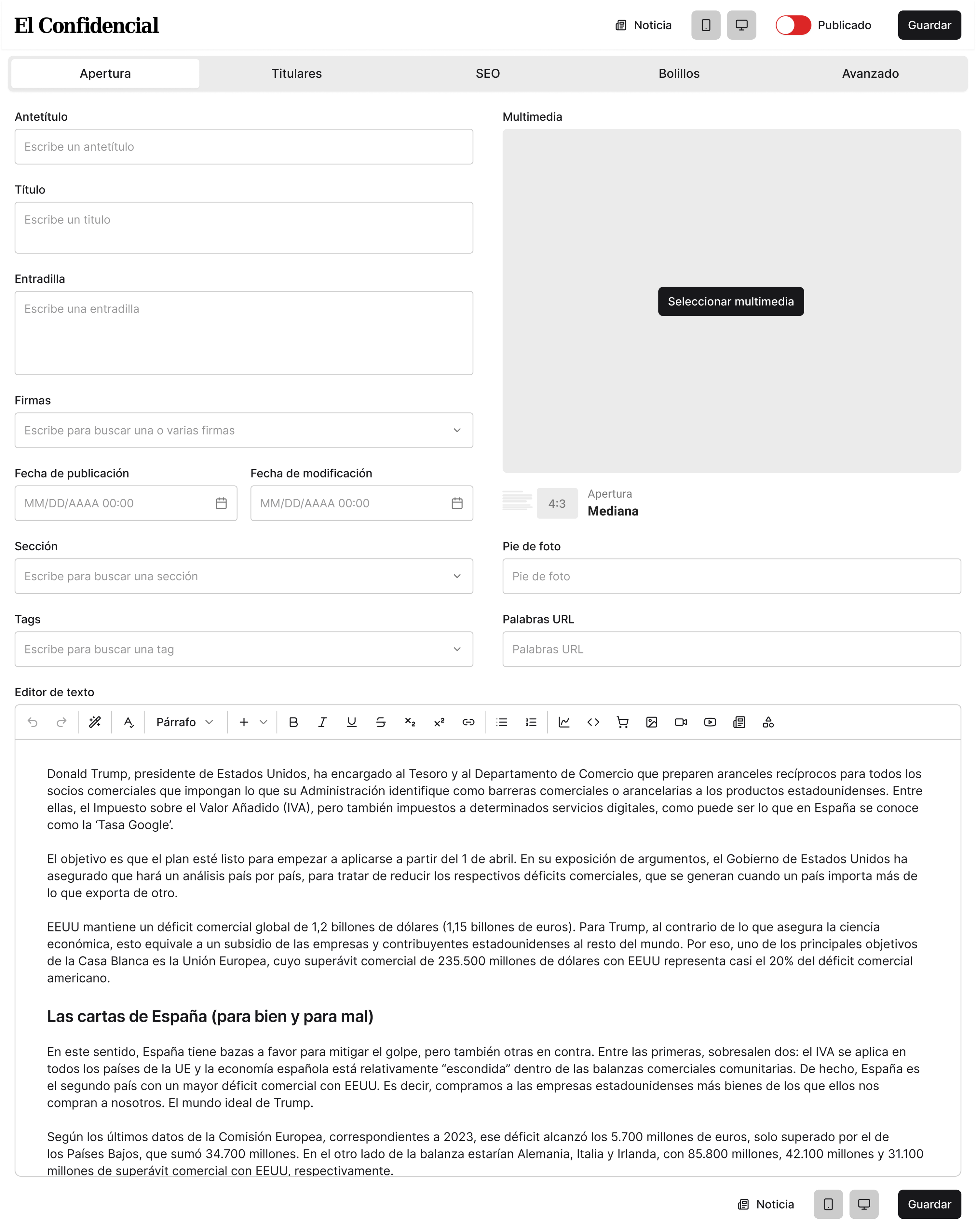
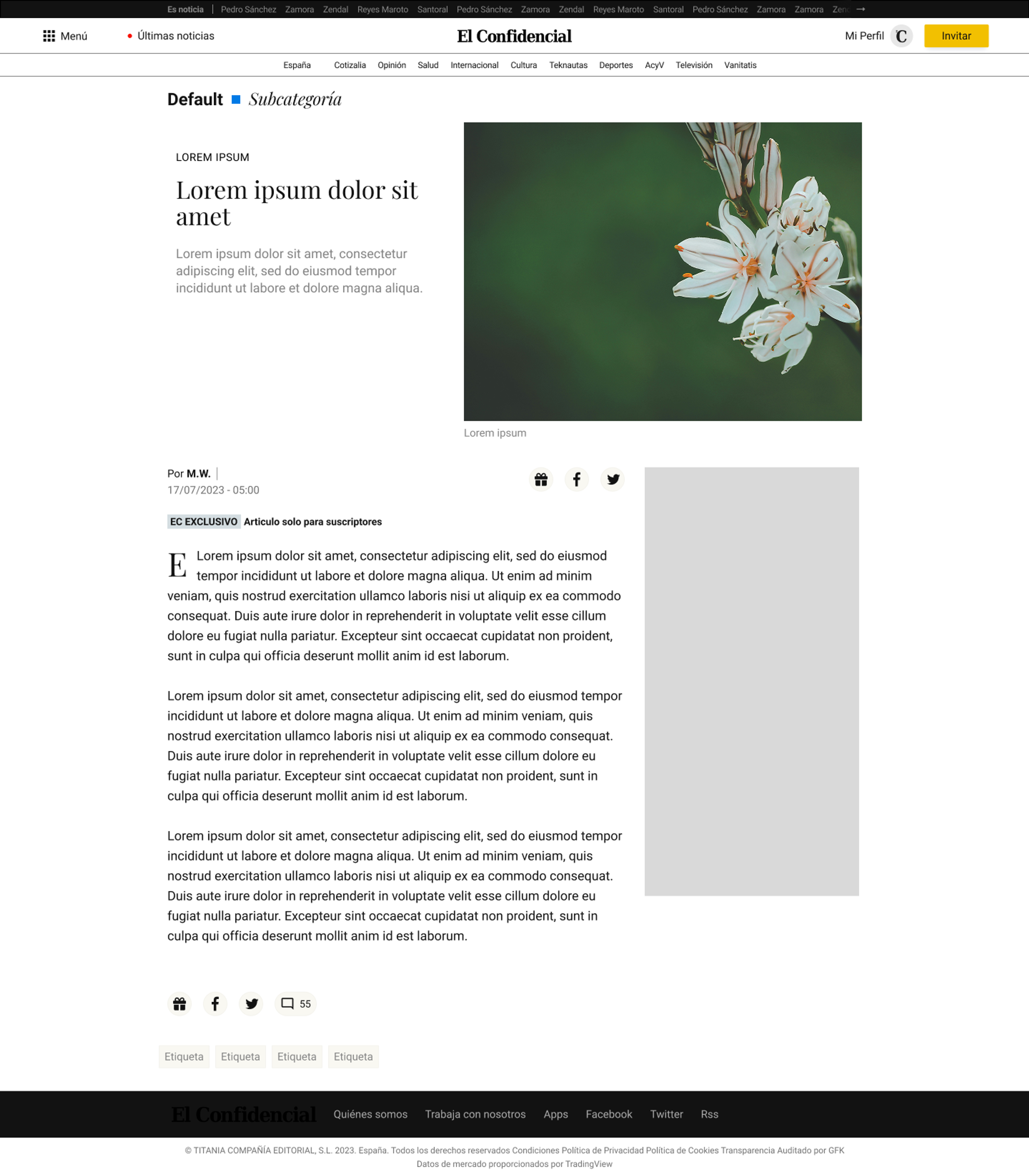
Editing interface matches the structure of published articles
The new layout mirrors the published article, placing fields, multimedia, and the text editor in the same positions as the live page.
Live article on site
CMS Editor
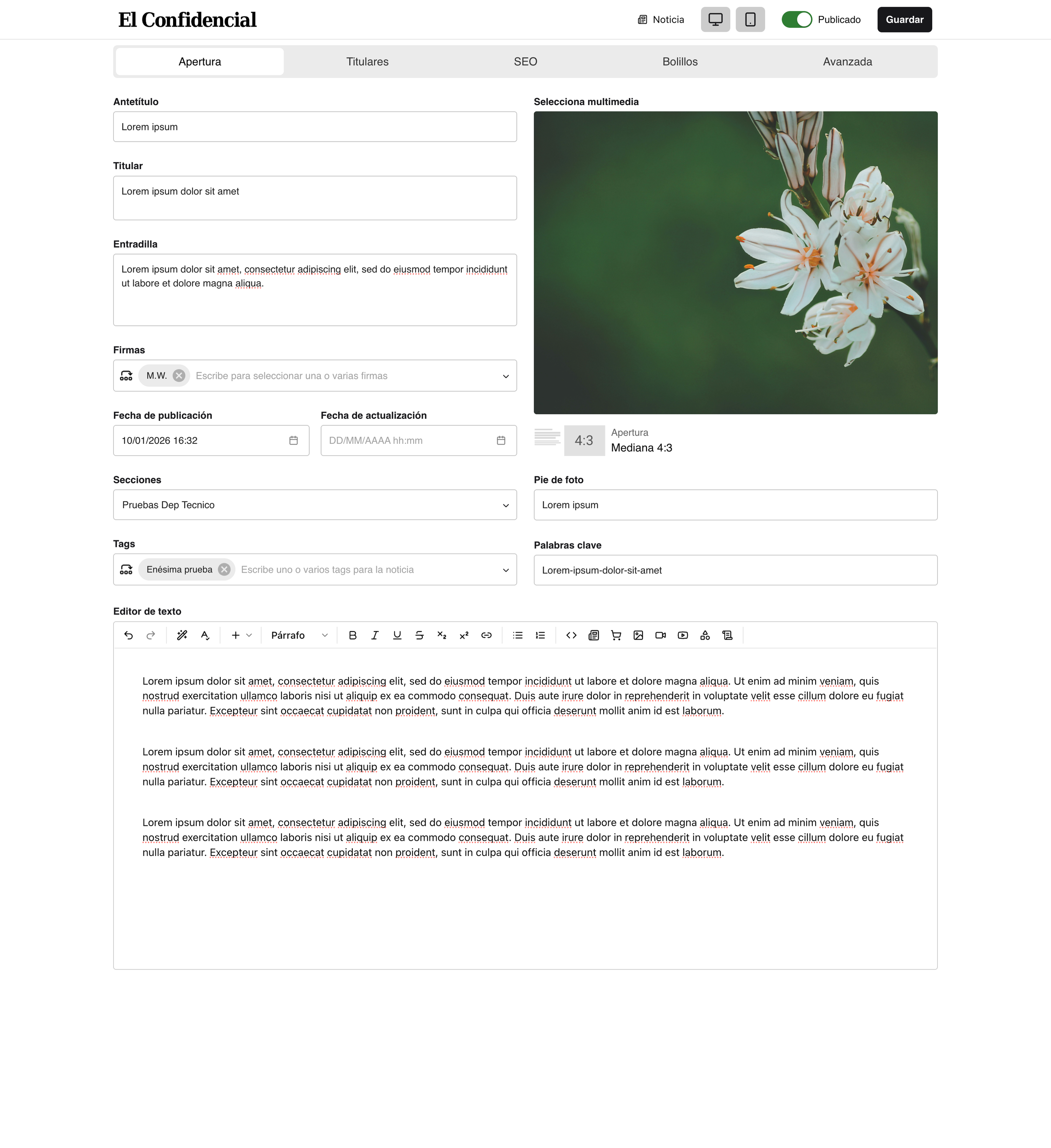
More intuitive multimedia selection and editing flows
Users browse images with metadata, select one or many assets, and choose article layouts visually, all from one place.
Automated insertion of related news articles using AI suggestions
A vector-based RAG suggests related articles based on content, reducing manual search time and improving recirculation.
Card-based spelling, style and grammar checker
A custom style and grammar checker ensures adherence to El Confidencial's stylebook, with a card-based system for accepting or rejecting each suggestion.
In-line A.I. commands
Inline commands rewrite, shorten or adjust tone, all guided by El Confidencial's stylebook.
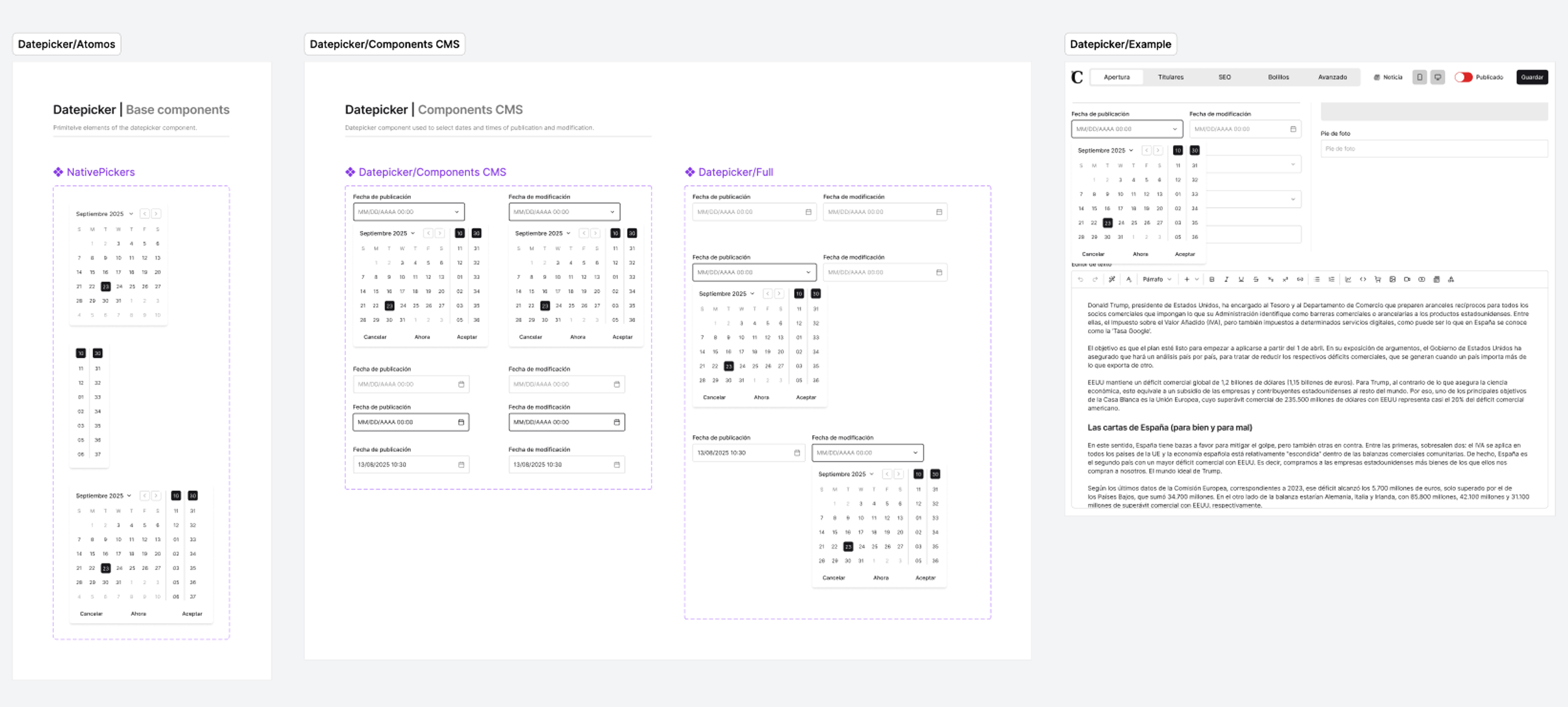
Precise and well-documented Design System
Tokenized styles and reusable components keep features consistent. A hybrid MUI and shadcn approach pairs MUI's depth with shadcn's simplicity, and the library connects to Figma Make for quick prototypes.
Outcomes
Phased adoption across the newsroom
Rollout began with a small group of trusted journalists, then expanded section by section, starting with Culture and Vanitatis. By July 2026 every live blog and about 80% of news articles were being written in Jarvis, with the breaking-news desk the last to move.
Argos checks every piece before it publishes
The style and spelling checker became a required step before publication. In the last prompt test before rollout it caught 72% of spelling errors across 71 articles, and the correction strategy moved from a professional desk to the writer's own screen.
Positive reception across the newsroom
Journalists described the new CMS as more modern and a smoother place to write. The editor removed the main reason people wrote in Google Docs and pasted in.
Built for continuous improvement
An integrated bug reporting system and direct access to journalists in the same building enabled fast iteration cycles post-launch, with new capabilities added in response to real adoption patterns.
Fewer tools, fewer tab switches
Multimedia insertion, related-article linking, formatting and spell checking all happen inside the editor. Journalists no longer leave it for tasks that used to need three other tools.
A base to build on
The design system and modular architecture give us a base to add features without redesigning the editor each time.