Design systems
Jarvis Design System
As design lead on the Jarvis CMS, I built, documented and still maintain the design system behind it: hundreds of components and tokens that keep the product consistent and let developers build from the file without a walkthrough.
Context and Design Problem
Technical requirements and constraints
The CMS integrated three frameworks: Plate.js (a Notion-style text editor using shadcn/Tailwind), existing MUI components, and shadcn as the primary design framework. Since converting MUI to shadcn wasn't feasible, I adapted MUI components to reflect shadcn's style, keeping the design cohesive without requiring a full rewrite.

Typography, Color, Border Radii, and Spacing, and Elevation Styles
Colors
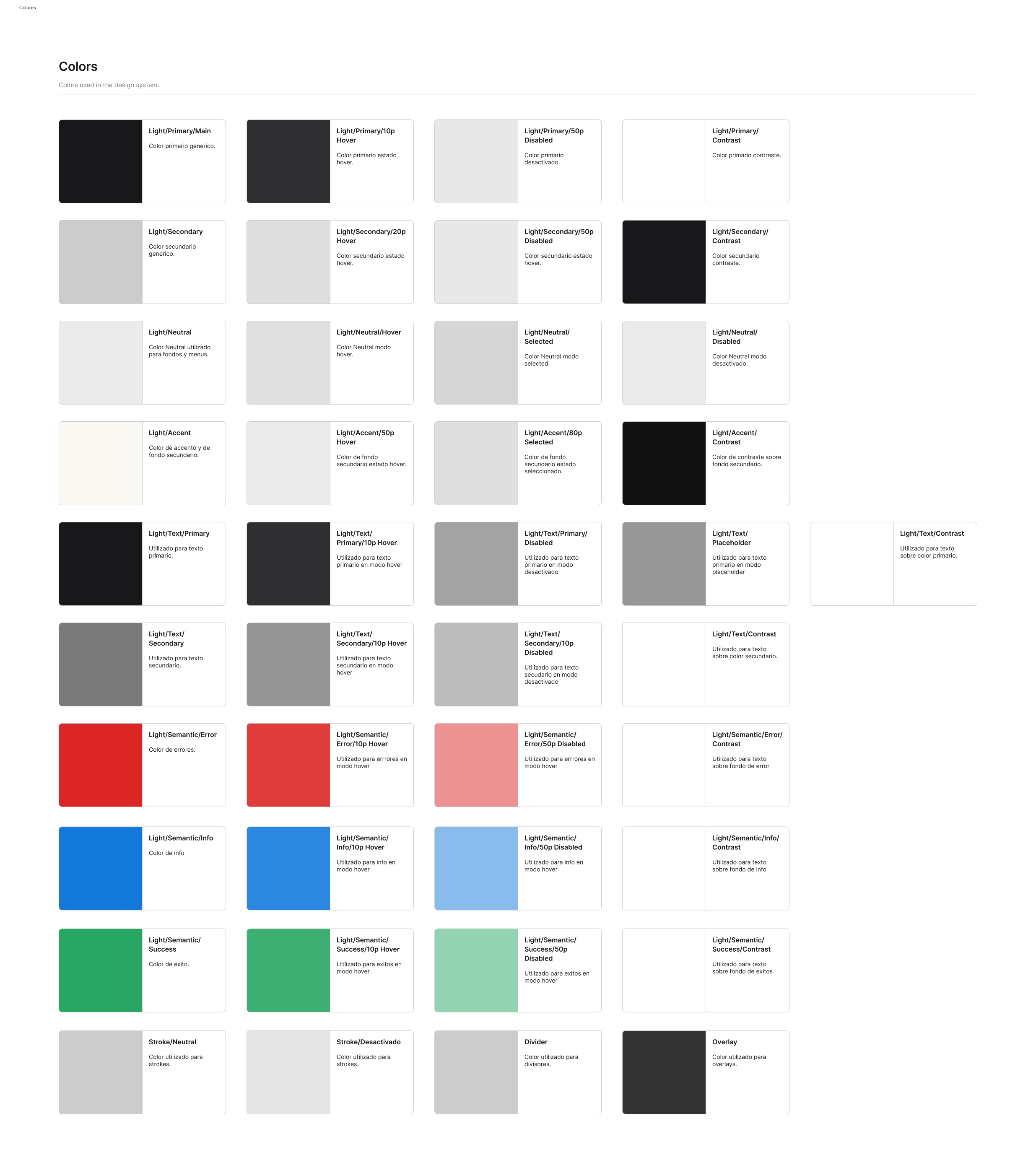
Colors were kept simple, building upon Shadcn's color palette of blacks and grays while adding other colors for information, error, and success states.
Typography
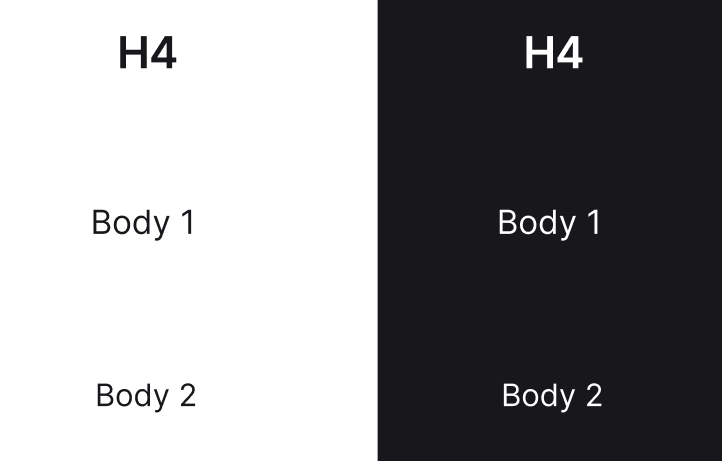
Typography also builds on shadcn, using Inter throughout. We mapped it to MUI's nomenclature and added the cases shadcn doesn't cover.
Border radius
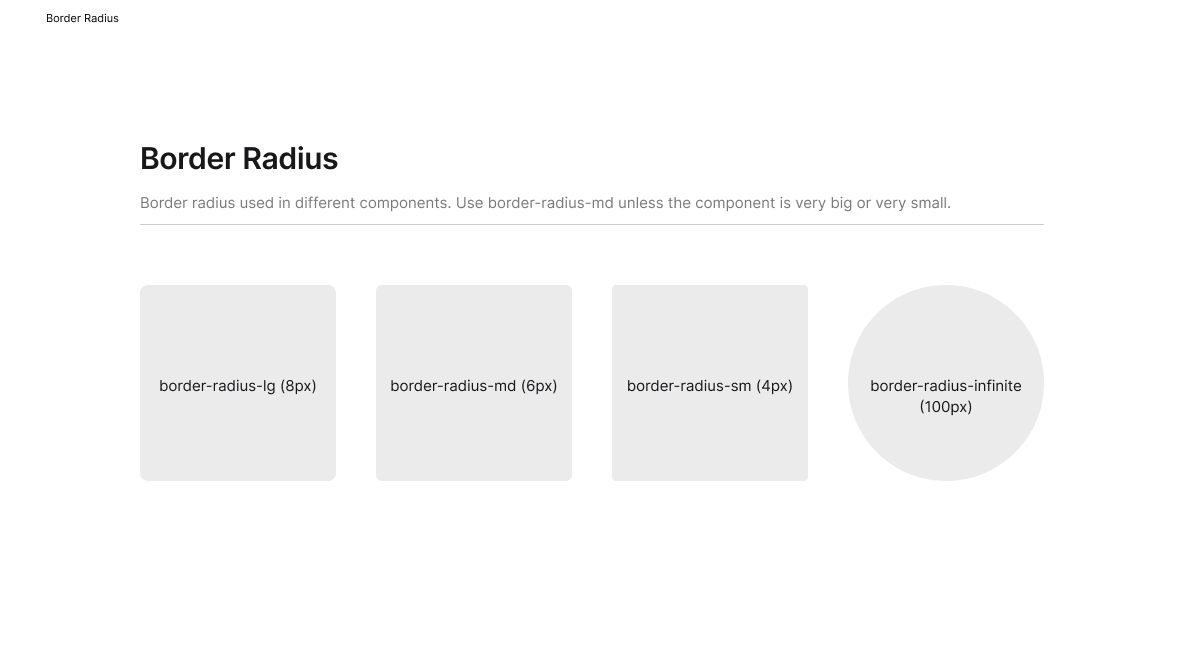
Numerical values, like border radii, were specified in t-shirt sizes (lg, md, sm), and reflected in the tokens used in the components.
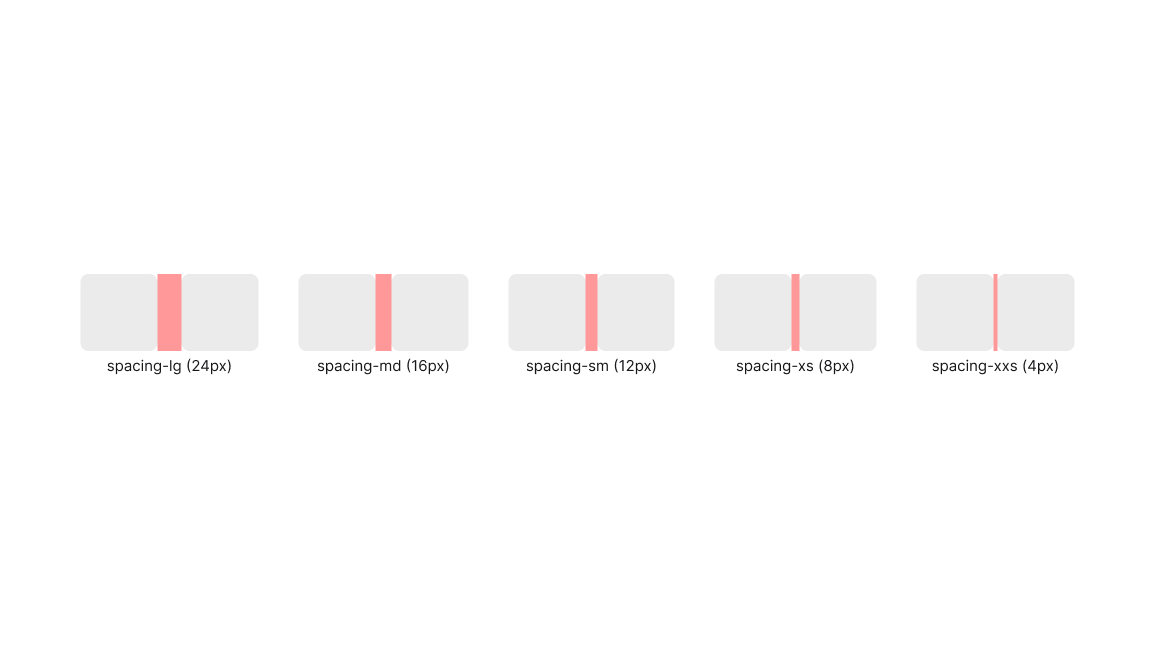
Spacing
Spacing also used the t-shirt sized variable approach, allowing for fast and consistent adding and margin variations.

Elevation
Elevation was simplified to only four options, eliminating unnecessary complexity.
Design System Architecture
Atoms
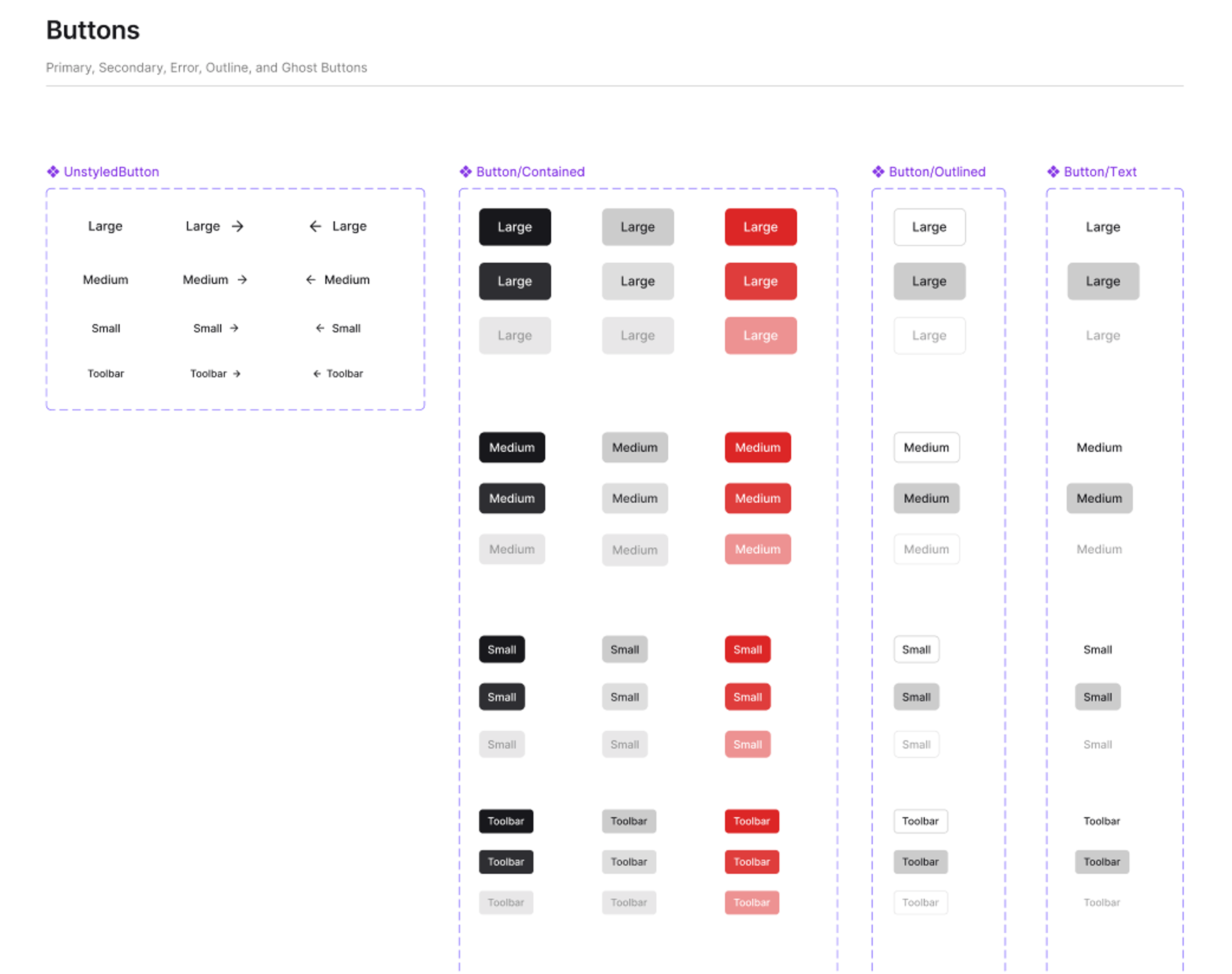
With styles set as tokens, I built the atomic layer first: buttons, dialogs, modals and the other building blocks for more complex components.
Molecules
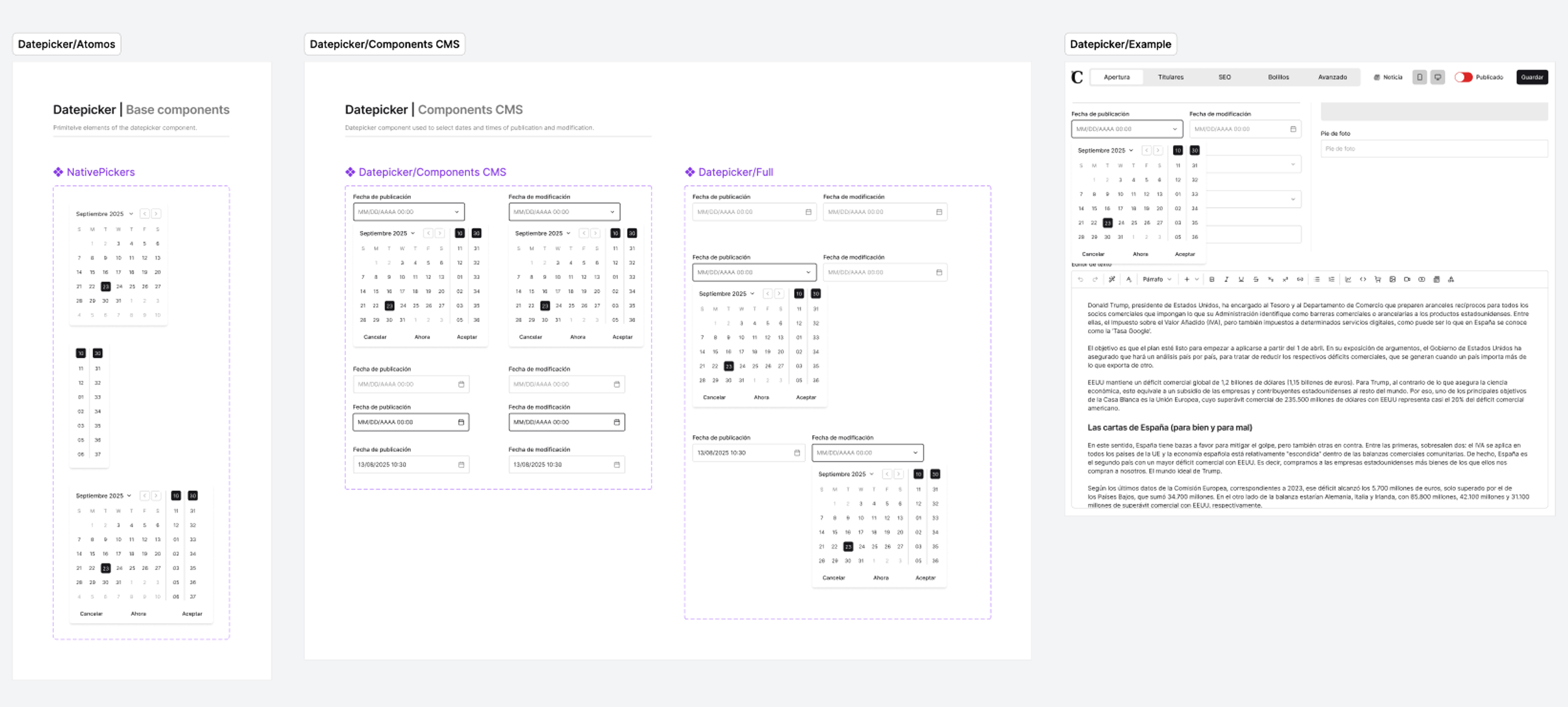
From those atoms I built the molecules: components specific to the CMS that weren't native to MUI or shadcn. Each has its own Figma page with base components and usage examples.
Templates and Variables
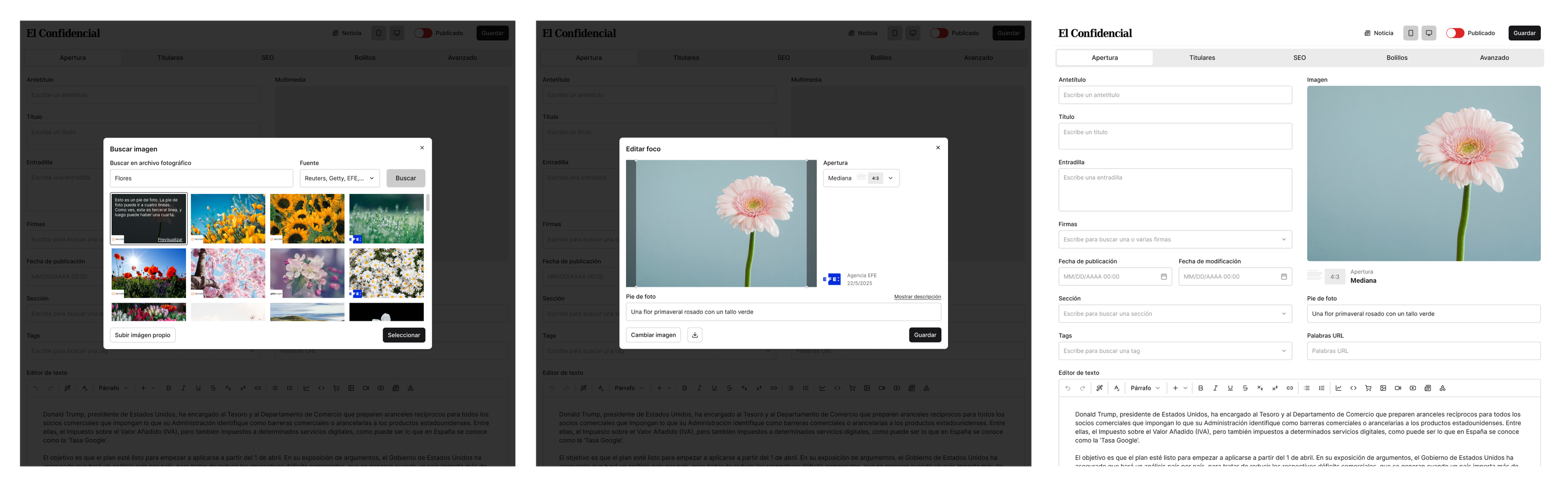
I built templates for frequently used screens from the previously created molecules. Because they relied entirely on components and tokens, elements could be modified without breaking the structure.
User Flows
Since the CMS and design system were developed concurrently, I incorporated components into user flows to communicate requirements to developers and enable screen reuse across iterations.
Final Design System
Hundreds of components and variables across atoms, molecules and templates. Every Jarvis screen is assembled from this library.